
Church website: 8 must-have features
What every church website needs, from service times to sermons and forms, with real examples from church websites we have built.
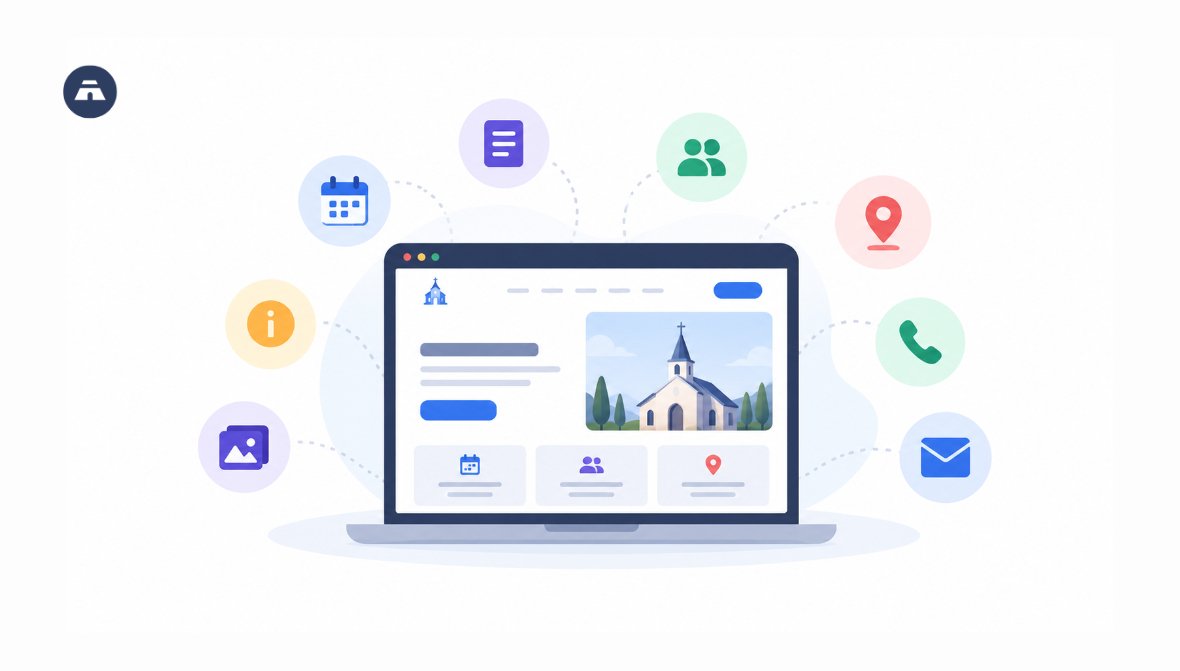
Your new visitor in town searches Google for your church's name before ever stepping foot through your doors. What they discover on your church website determines whether or not they walk through your doors on Sunday.
A great church website quickly communicates the four most common questions - when do we gather, where do we gather, what do you believe, and how can I talk to someone. The eight features below help answer those questions and much more for your people.
We build church websites at Tabernacle, including:
This list comes from building those sites, and we point to them as we go.
What should a church website have?
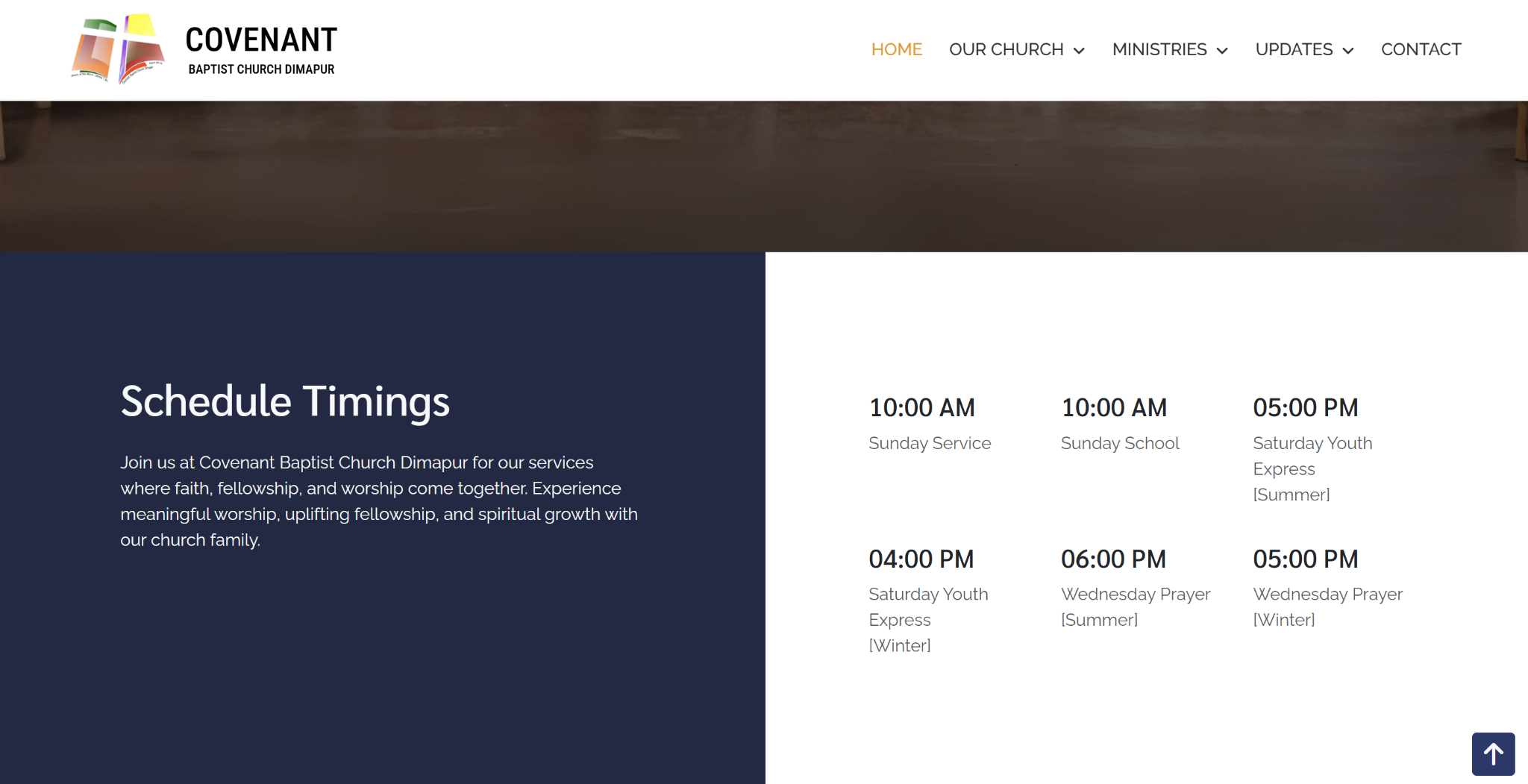
1. Where and when do your services happen?
Right there on the home page, without a click . A visitor should see your days, times and location in the first screen or two.
-
Sunday service to be listed first followed by other meetings and prayer in the week.
-
Show seasonal changes if your times shift.
-
Footer: place your address, phone and email in the footer.
-
Create a Google Business Profile to have your address appear in Google Search and Maps.
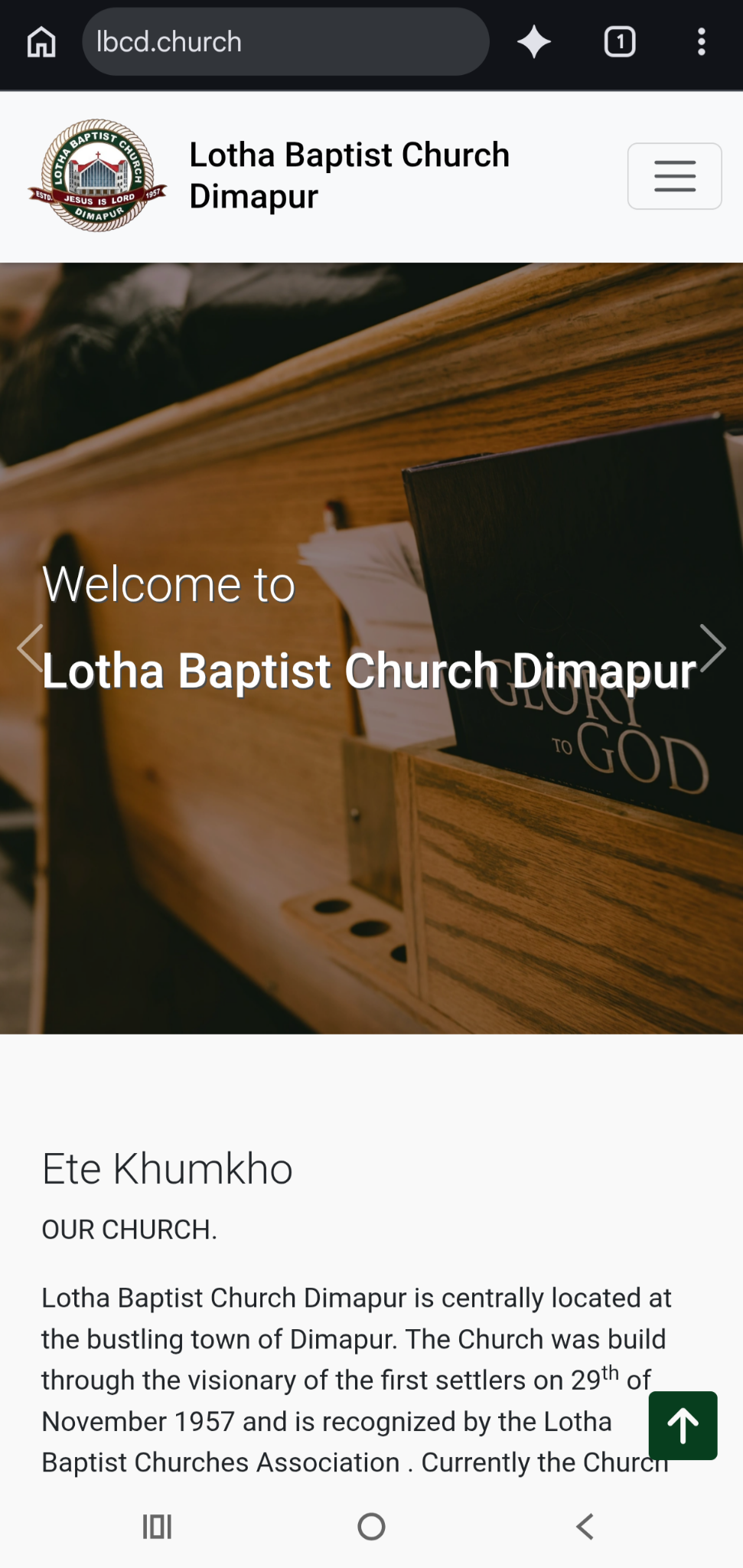
2. Does your church website work on a phone?
It must. Phones are the first thing where people go searching for your church website.
-
The menu should fold into one button.
-
Keep the church name at the top.
-
Photos should fit the screen.
-
Text should be readable without zooming.
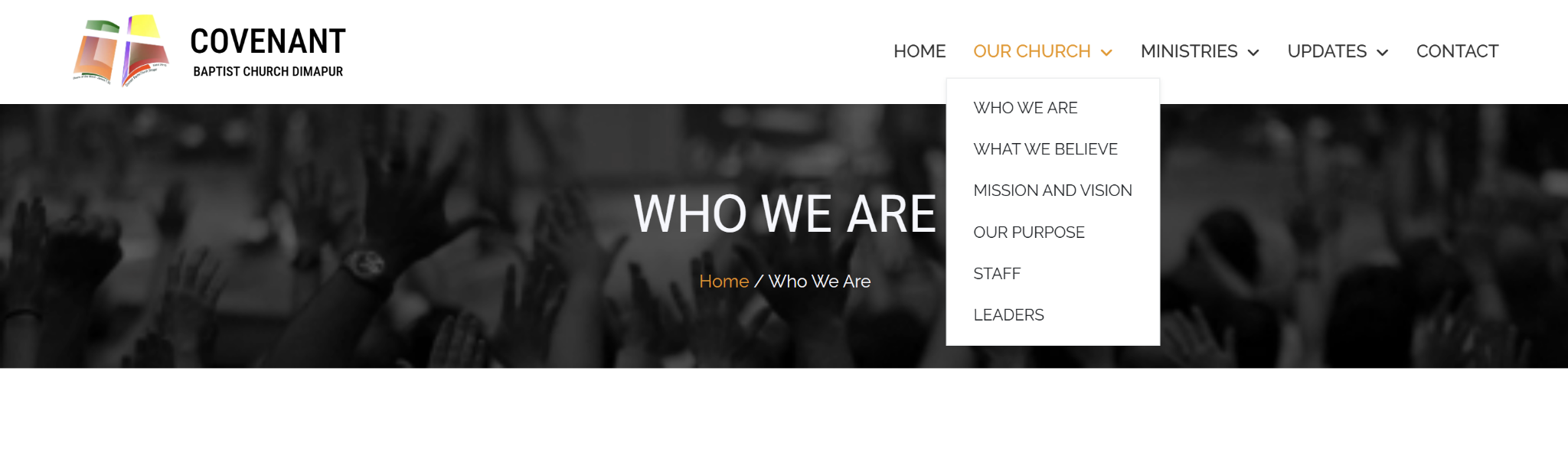
3. How do visitors find out who you are?
Give them an About section with your history, beliefs and leaders. People want to know what a church stands for before they show up.
-
A short history of the church
-
What you believe
-
Mission and vision
-
Staff and leaders, with names
-
Your denomination or affiliation
 4. How should you present your ministries?
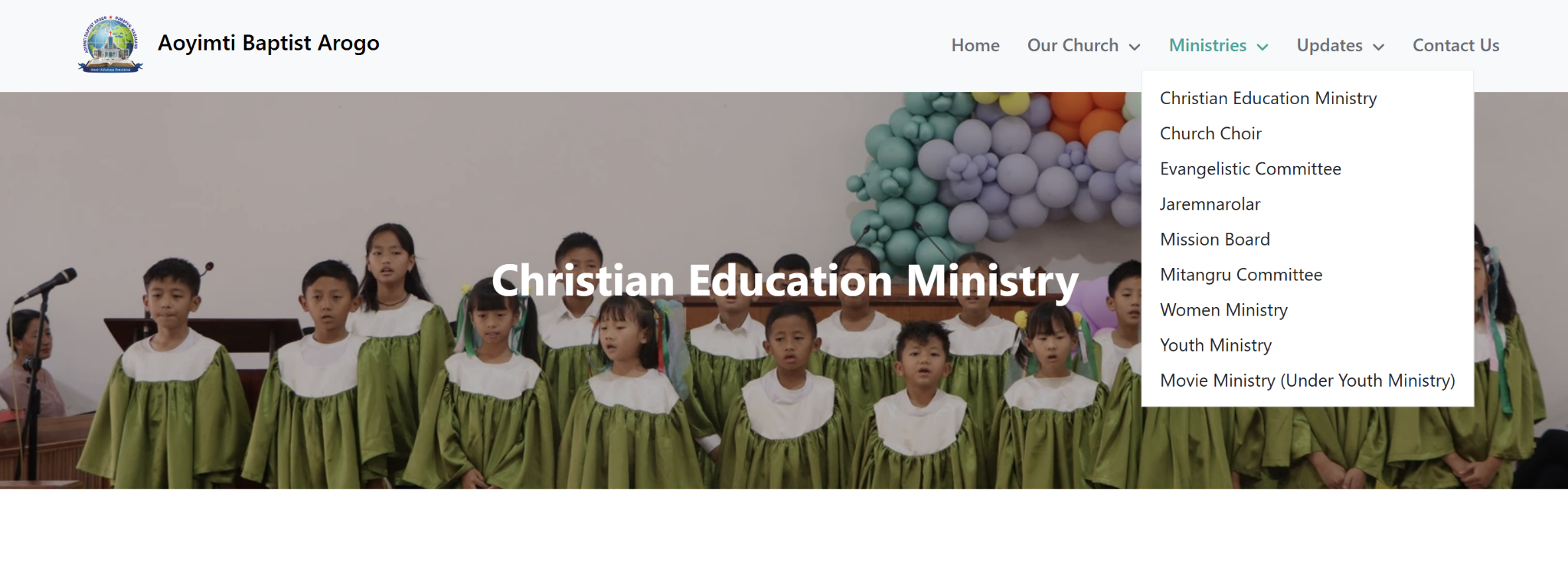
Create a separate page for every ministry and provide a brief description. A list of names offers no clue to the visitor.
-
What ministry actually does and for who it is
-
When it meets and who to contact
-
A photo or two
 5. Where do your sermons reside?
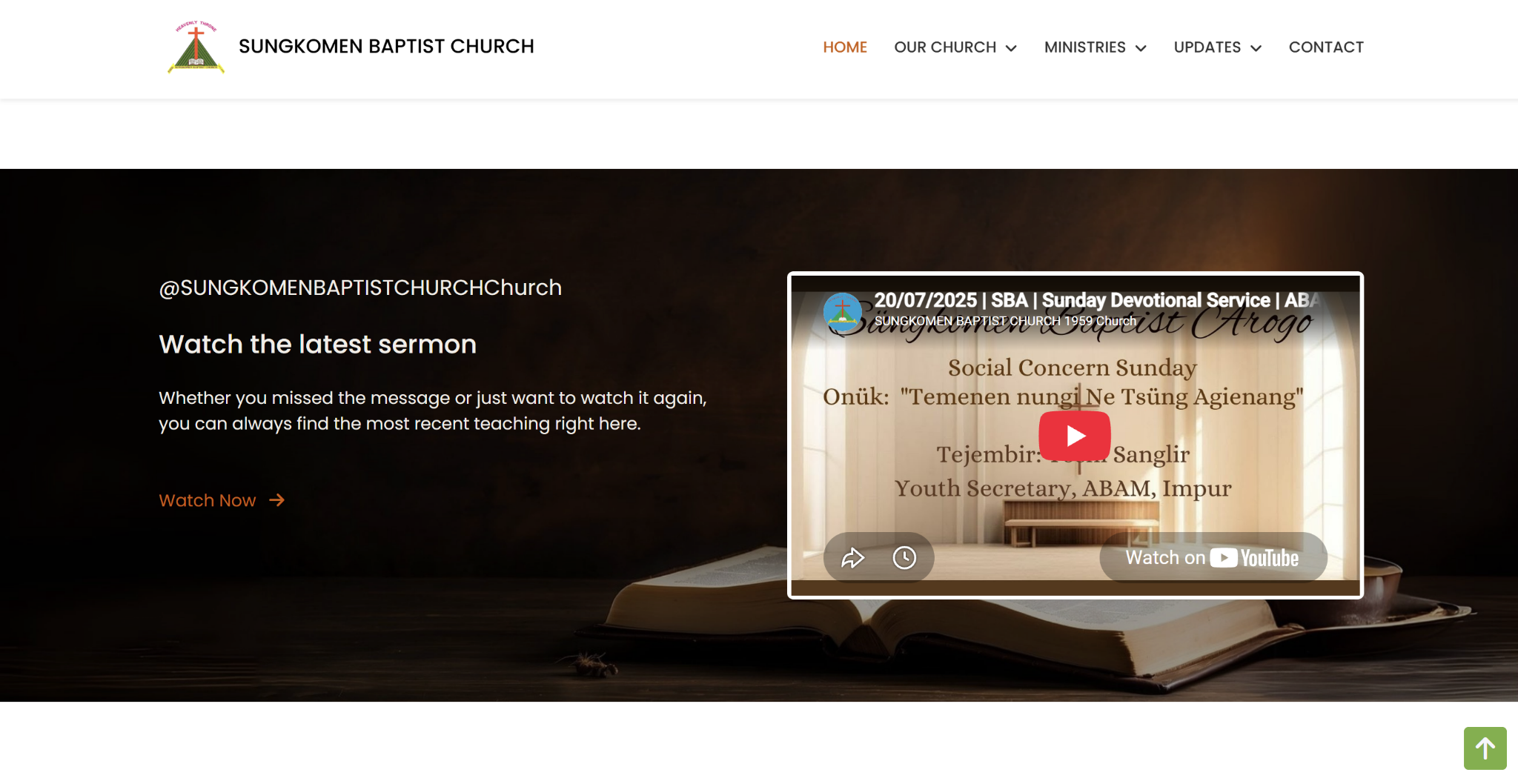
On your website, where no-one has to go looking for them.
-
Embed your latest sermon on the homepage.
-
Link to your YouTube channel.
-
Add photo albums to make it possible for members to come back to occasions.
 6. How do you keep members informed?
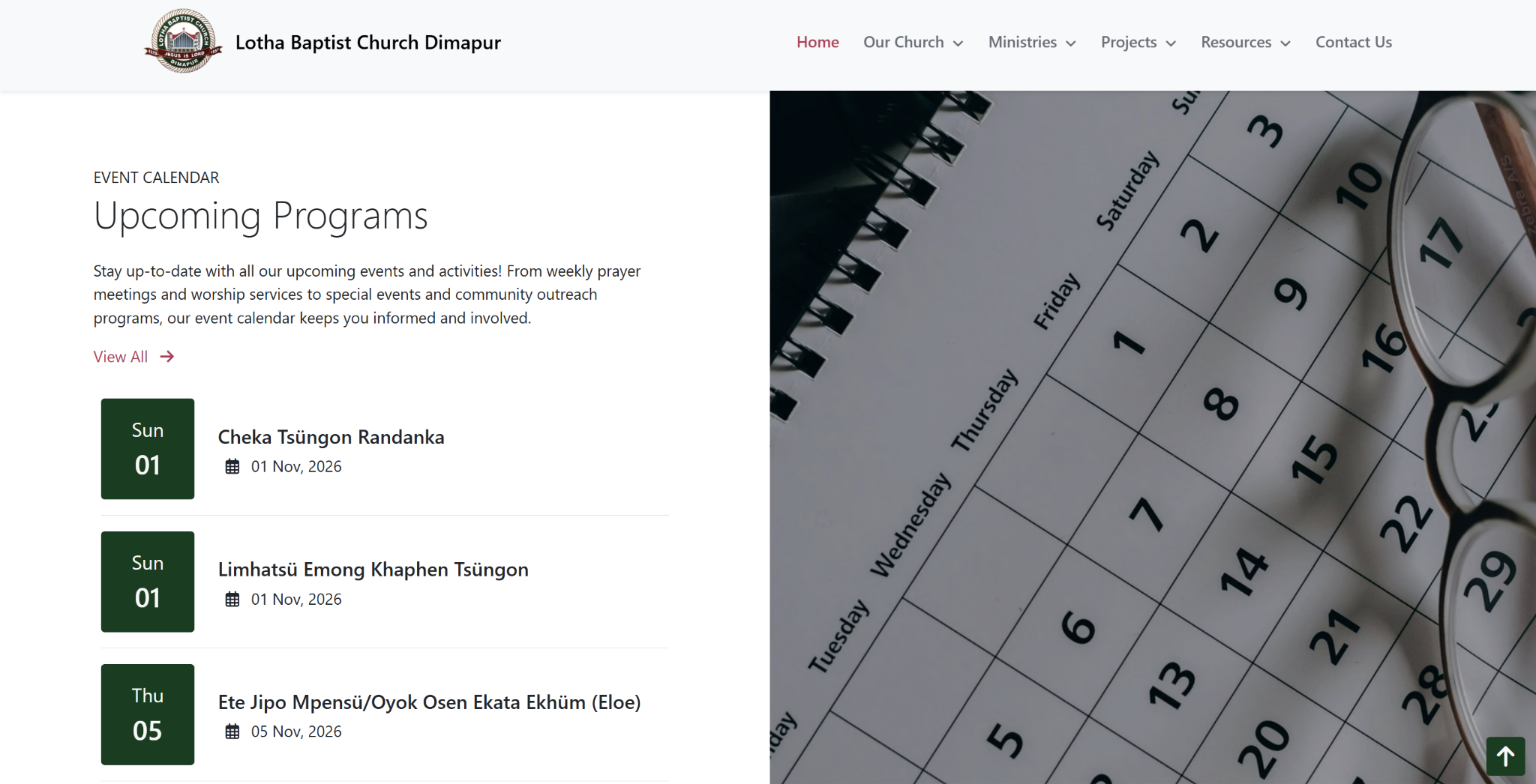
Include an events calendar and a section for bulletins and publications.
-
List upcoming programs with dates.
-
Organize bulletins, newsletters and magazines together.
-
Take down events once they pass.
7. How can people contact you, fill forms and give?
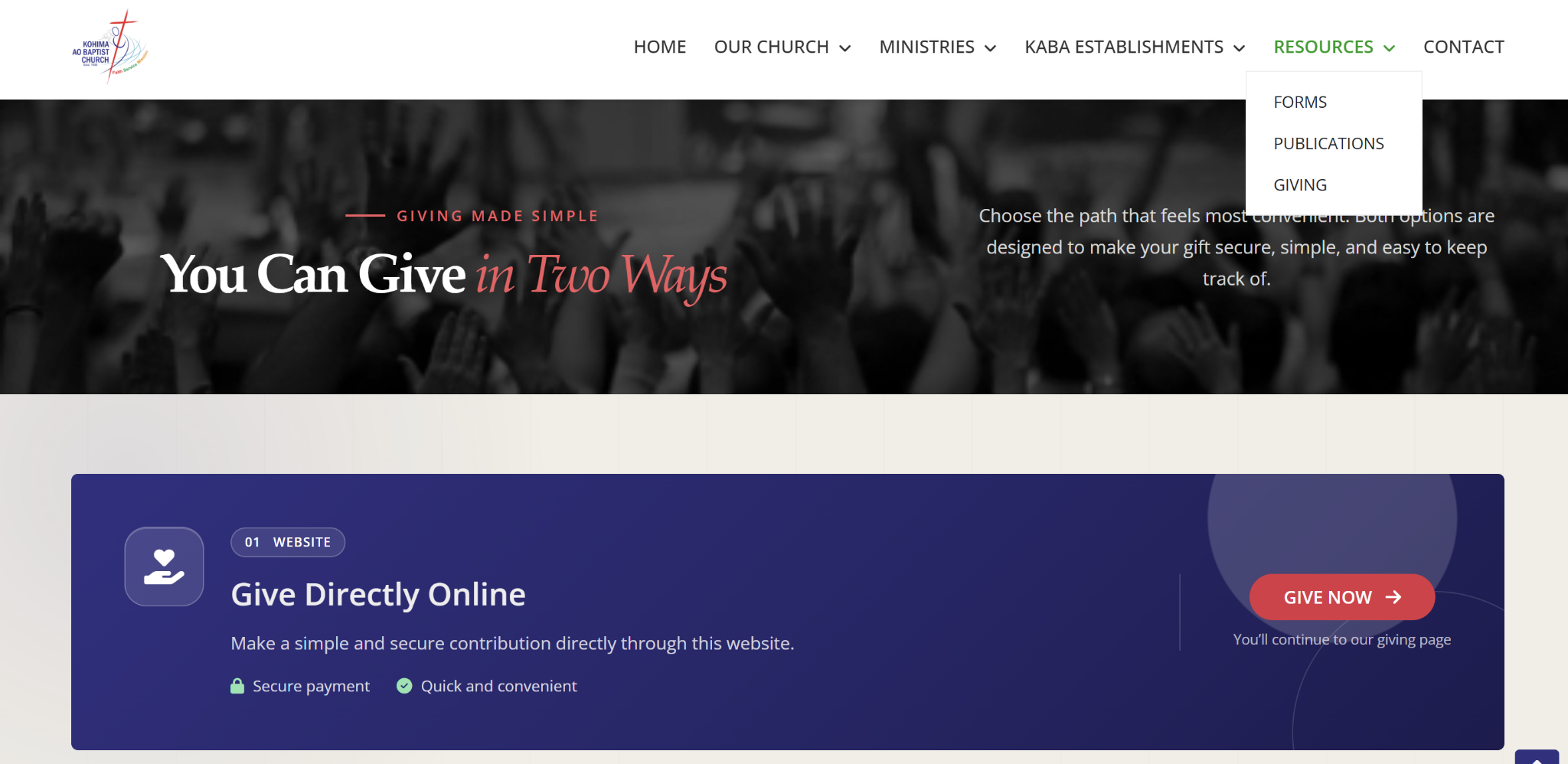
Make every next step one click away.
-
A contact page with phone, email and address
-
Forms for common requests, like baptism or weddings
-
An online giving page, if your church accepts online giving
-
A clear note on who can see what people submit in forms
8. Are you able to update the website yourselves?
They should be able to. A site only a developer can change goes out of date, and old service times send visitors to an empty building.
-
If you are posting events, news or sermons use a CMS (Content Management software). Static sites work only if you have very few pages that change rarely.
-
Verify if your website has SSL, the padlock in the browser bar.
-
Assign one person the responsibility of checking times and events every month.
Looking to build a Website?
Tabernacle builds church websites on three plans. See what each plan includes and what it costs in our website plans PDF.
For talking about your church website, contact on: +91-7005426278 or mail to office@tabernacle.app mentioning your church name and what you need.
Frequently Asked Question
What pages should a church website have?
Required: Home, About, Ministries, Events, Sermons or Media, and Contact. Include a Give page if you take online contributions.
Do we need a church website if we have a Facebook page?
A Facebook page is helpful but your website is the one thing you control completely. It's the place to put your service times, beliefs and contact information so they aren't relying on some social media site.
How frequently should we refresh our church website?
Keep an eye on service times and events about once a month. Enter the sermons and notices as they are prepared.
What's the distinction between a static and a CMS website?
A static website has pages that a developer needs to update. A CMS (Content Management Software) website enables your staff/volunteers to update content from a dashboard.

Church games: 15 easy ideas for every group
15 easy church games for kids, youth, small groups and adults. Most need only things you already have at home.

Church fund accounting: track money by purpose
Church fund accounting tracks every gift by the purpose it was given for. Learn how funds work, how to set them up, and…
Google Calendar integration in Tabernacle
Tabernacle now lets you add your church’s birthdays and anniversaries to Google Calendar with a private link.
